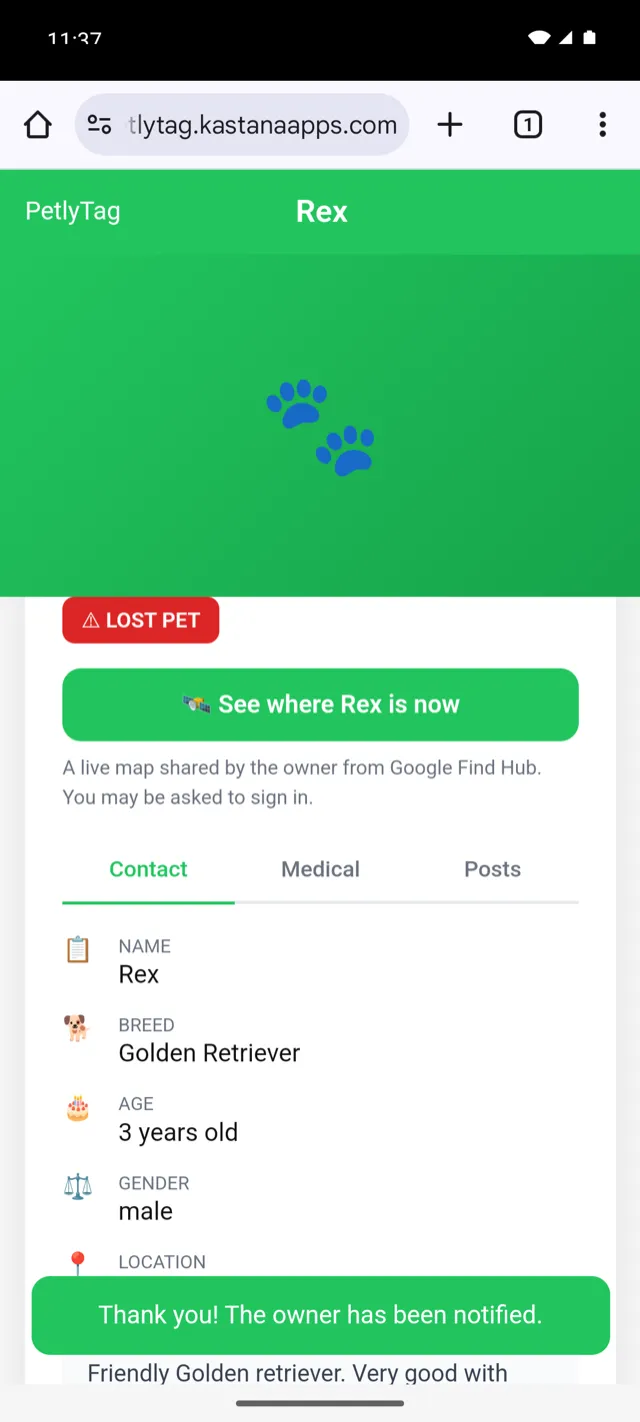
“I found this pet”Rex · just now · a note and a pin from the finder
Live map sharedFrom Find Hub · expires in 6 days
Marked as lost
Home again
Contact sealed
Live map expired
New Works with Google Find Hub & Apple Find My
Scan. Find. Reunite.
A tag on the collar, a page behind it. Whoever finds your pet just points
a phone at the QR — no app, no account, no guessing. They see who your pet
is, and they reach you in one tap.
Your phone number stays hidden until you mark your pet as lost.
No appfor whoever finds them
EN · ARfull right-to-left support
2 networksFind Hub & Find My
ScrollHow it works
Three steps, then you can forget about it
Add your pet, link the tag, clip it to the collar. Set it up once on a
quiet evening — the tag does the rest on the day you actually need it.
Only a name is required. Breed, age, a photo, the microchip
number and your address can all wait. On Android, tapping a new tag offers to
set the whole thing up for you.
The QR and NFC side needs no power at all. It keeps working
on the day the battery dies, in a shelter with no Wi-Fi, on any phone made in the last decade.
The finding beacon runs on a coin cell and rides on Google's
Find Hub and Apple's Find My networks — hundreds of millions of phones, not ours.
The bad evening
They don't need anything
One switch in the app marks your pet as lost. Whoever finds them points a
camera at the tag — no app, no sign-up — and the page opens: a LOST PET
badge, your pet's name, where they live, and a button to call you.
The bad evening
“The owner has been notified”
If they can't talk right then, they leave a note and where they are — and
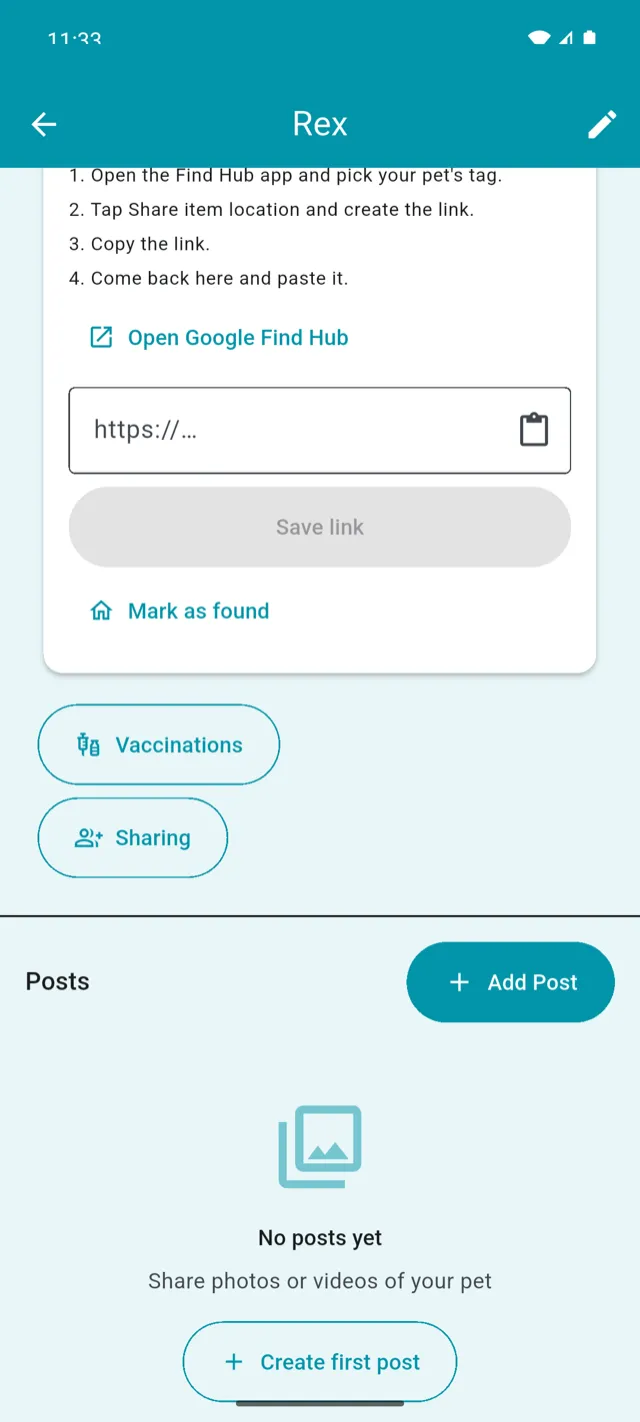
it lands on your phone as a push notification, in seconds. Paste in a live
map from Find Hub and anyone who opens the page can see where your pet is.
It expires on its own.
Home again
And when they're home, it all closes up again
Mark your pet as found and the lost badge disappears, your phone number goes
back into hiding, and the live map link is revoked at the source — so a link
someone saved earlier cannot keep leaking where your pet is.
QR & NFC tagsPublic pet pageFound-pet alertsLive map while lostVaccination remindersMedical recordsShared care accessEnglish & العربية
QR & NFC tagsPublic pet pageFound-pet alertsLive map while lostVaccination remindersMedical recordsShared care accessEnglish & العربية
Everything else
It's a tag on the bad days and a health record on the good ones
Vaccination reminders
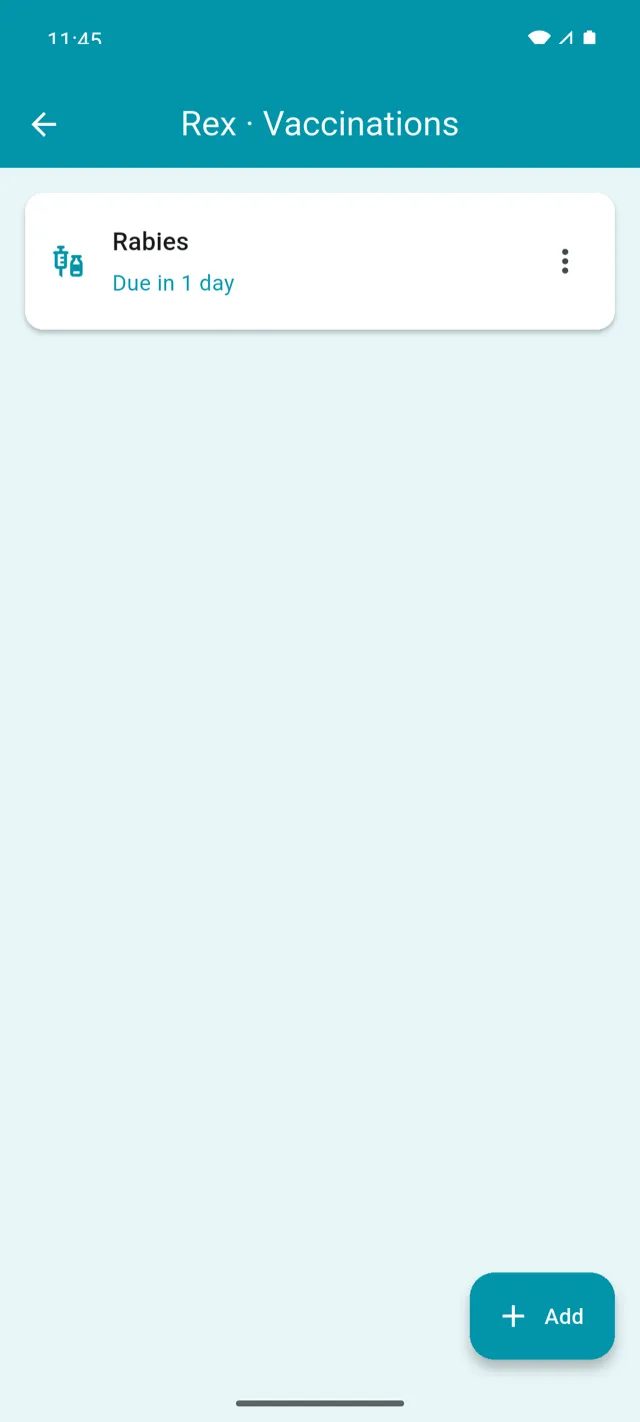
Log the rabies booster once and the app tells you it's due before your vet does.
Shared care
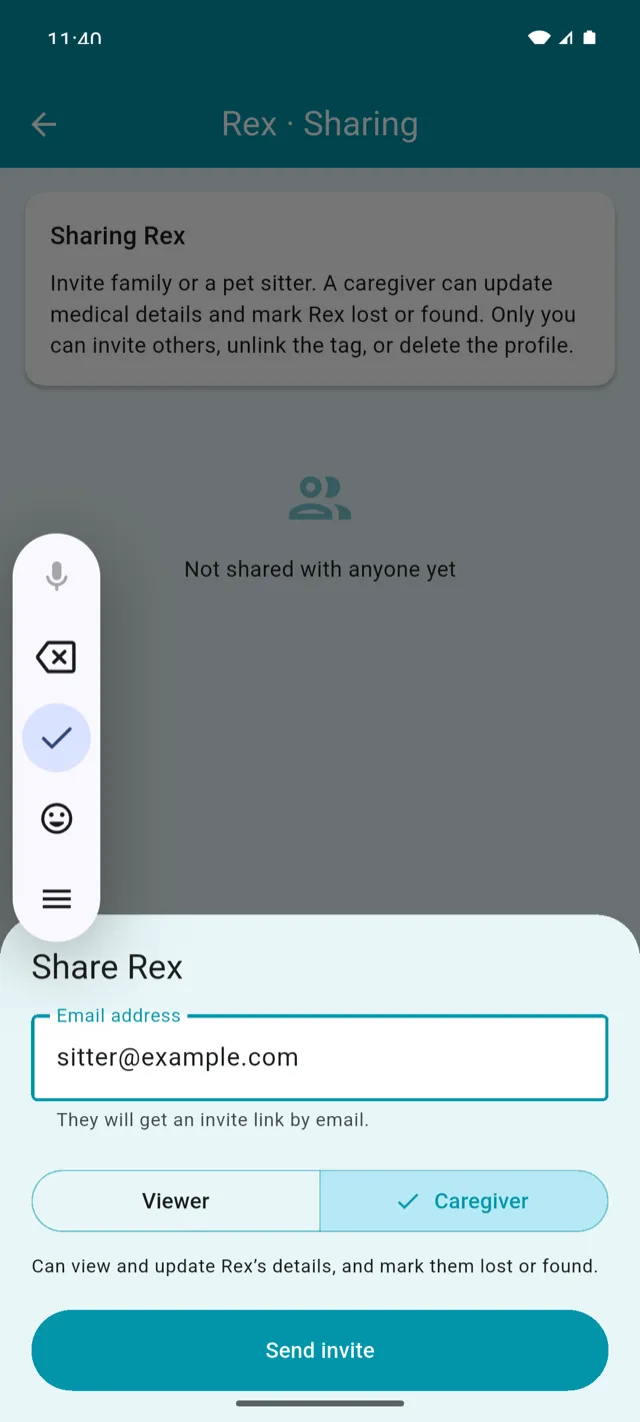
Invite a partner, a dog walker or the vet. Viewers can look; caregivers can update.
Medical on the public page
Allergies and conditions a stranger — or an emergency vet — may need to know at 2am.
Photos and video
A gallery on the profile — nice for you, genuinely useful for identifying a lost pet.
English and العربية
The app and every public page, fully right-to-left. Finders read it in their language.
More than one pet
A tag each, a profile each. The whole household lives in one account.
Inside the app
Real screens, not mockups
Every shot below is the shipping app running against the live service.
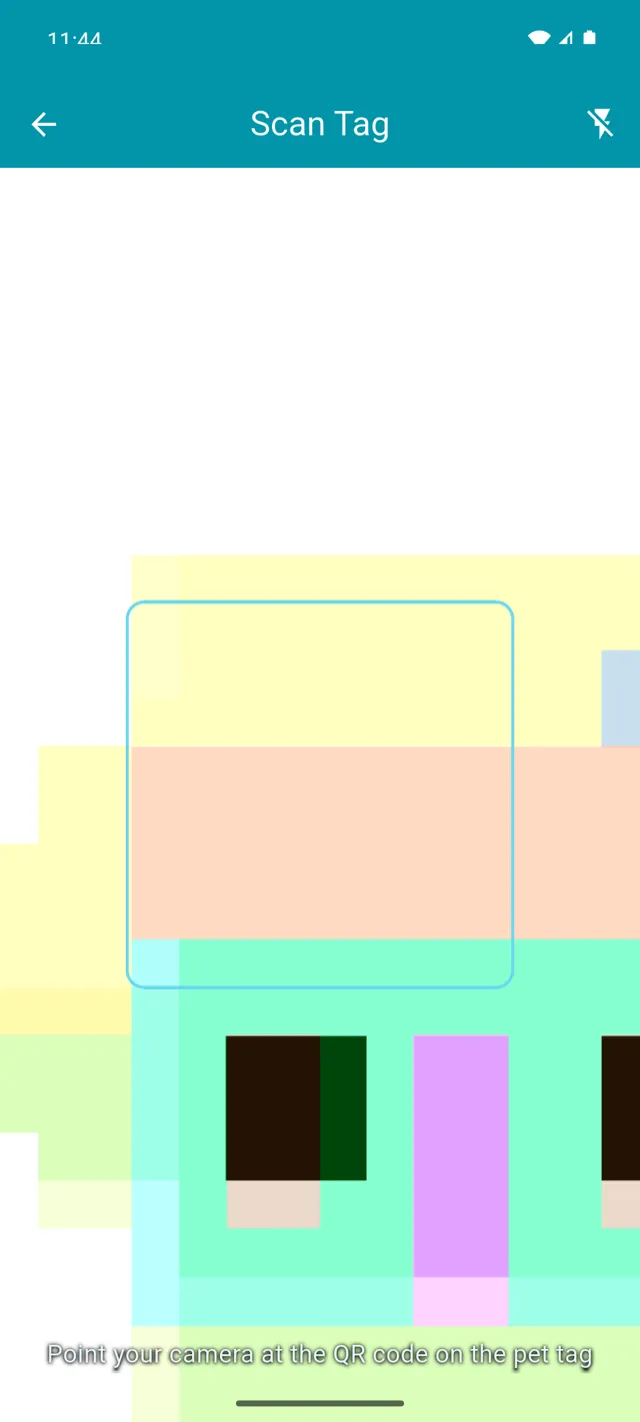
Scan a tagOr type the ID by hand
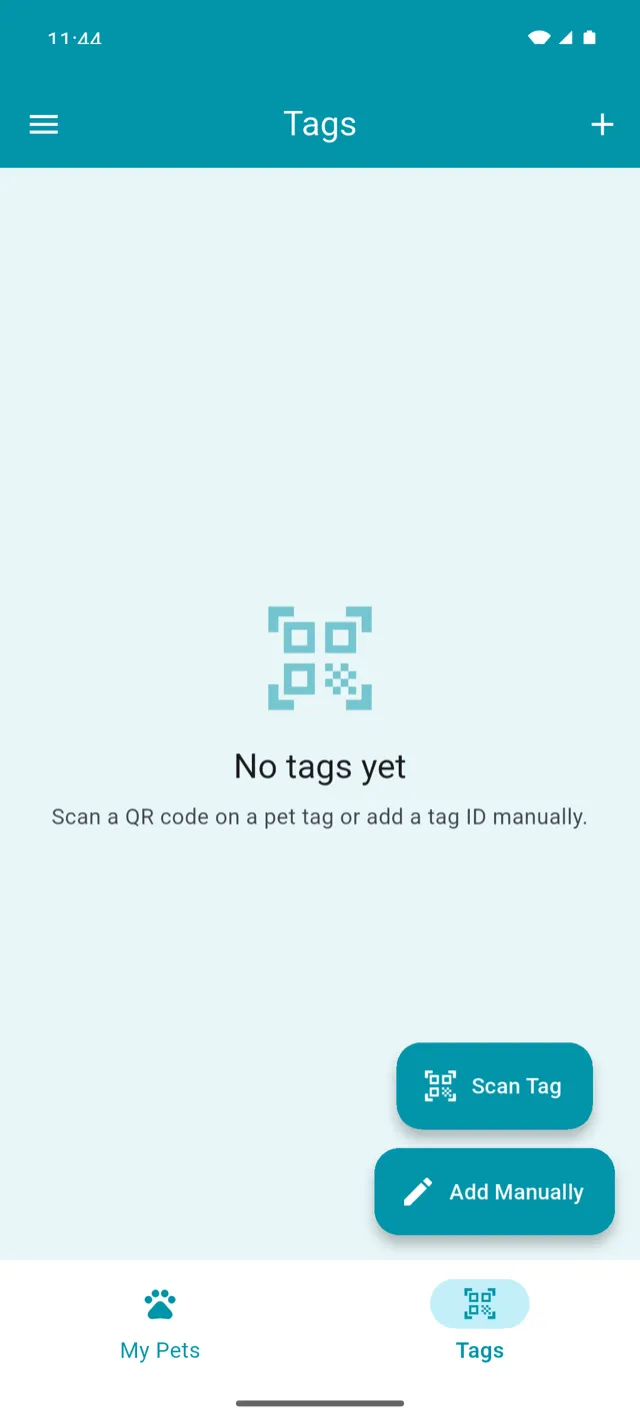
Your tagsWhich tag belongs to whom
Vaccinations“Due in 1 day”
Invite a caregiverTwo roles, clearly explained
Share a live mapFour steps, spelled out
Owner notifiedThe finder gets a receipt
Scroll sideways for more
Built here, for here
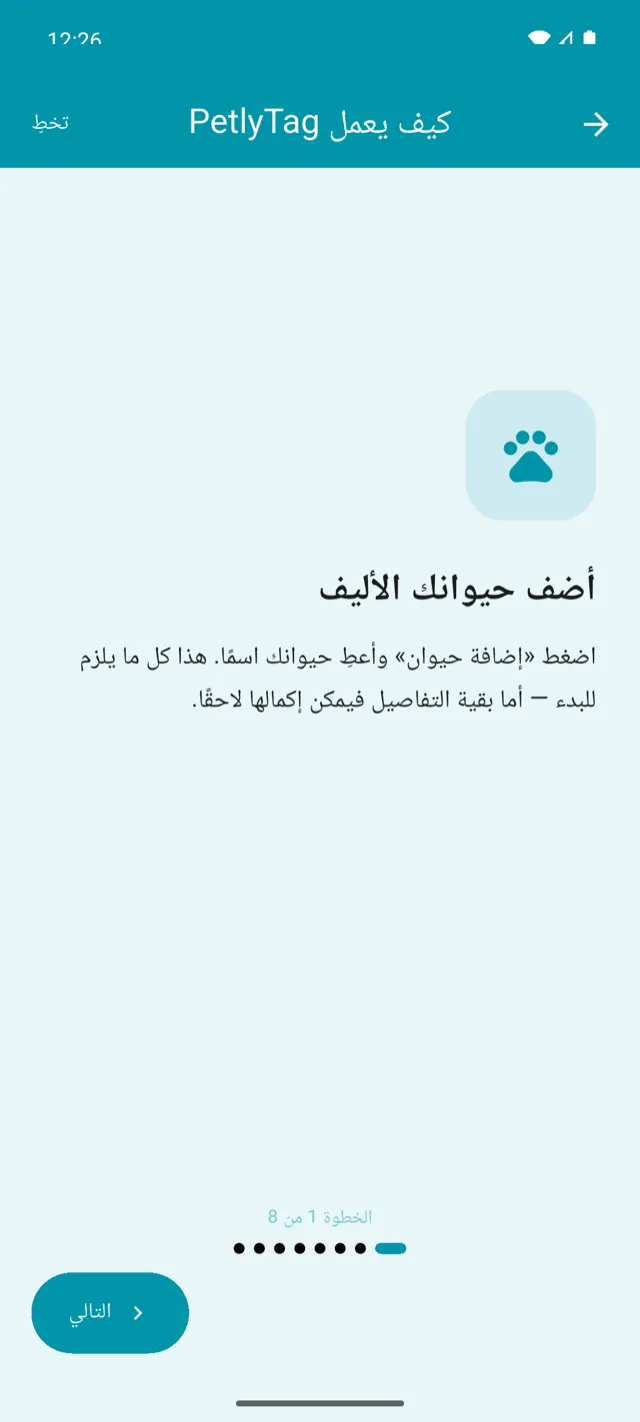
Arabic isn't an afterthought
The app, the onboarding, the emails and every public pet page are translated
and properly mirrored — not a left-to-right layout with Arabic dropped into it.
The public page picks its language from the finder's phone, so a
stranger reads it in theirs — and can switch with one tap.
Addresses, breeds and microchip numbers keep their own direction,
so “12 Rainbow Street” never comes out backwards.
Privacy
A tag on a collar is a public thing. We treat it that way.
Anyone who can see your pet can scan the tag. So the page is built around
one question: what does a stranger actually need to know?
Contact stays sealed
Your phone number and email are only shown while the pet is marked lost. The rest of the time, nobody scanning the tag can see them.
The live map expires
Location comes from a link you share yourself, it runs out on a timer, and marking your pet found revokes it immediately.
Leaving takes one tap
Delete your account from inside the app and the pets, posts and profiles go with it. No email thread required.
No — and that is the single most important design decision in the product.
They point their camera at the QR code and a normal web page opens. No
download, no account, no permissions.
Is this a GPS tracker?
Not on its own. A tag small enough for a cat's collar cannot carry a GPS
radio and a week of battery. Instead the tag is visible to Google's Find Hub
and Apple's Find My networks, which use passing phones to report where it was
last seen — and PetlyTag puts that map one tap away.
What if the tag gets scratched or lost?
Link a replacement to the same pet and everything carries over — the profile,
the medical history, the photos and the people you shared access with. The old
tag stops resolving.
Can my vet or dog walker see the profile?
Yes, if you invite them. A viewer can read the profile and the
medical history; a caregiver can also update it — log a
vaccination, add a photo. You can revoke either at any time.
Does it work outside Jordan?
The QR side works anywhere there is a phone and a data connection. The finding
networks follow Google's and Apple's own coverage, which is broadly worldwide
but denser in cities.
Which phones does the app run on?
Android and iOS. Version 1.0.7 is the current release. Finders need
nothing but a browser.
What's included
Bought once. No subscription.
The pet page, the found-pet alerts and unlimited scans are free forever.
You pay for the tag, and that is the whole of it.
Price coming soon
One tag, bought once.
QR code and NFC chip, no power needed
Public pet profile page
Found-pet alerts straight to your phone
Owner contact revealed only while your pet is lost
 PetlyTag